


















Café
Break room
Agents take breaks too. A pause never leaves half-done operations: the hold stays until reconciled.

Businesses respond with verifiable terms and limited permissions.
PersonTwo tickets for Wednesday, up to 12 USDC
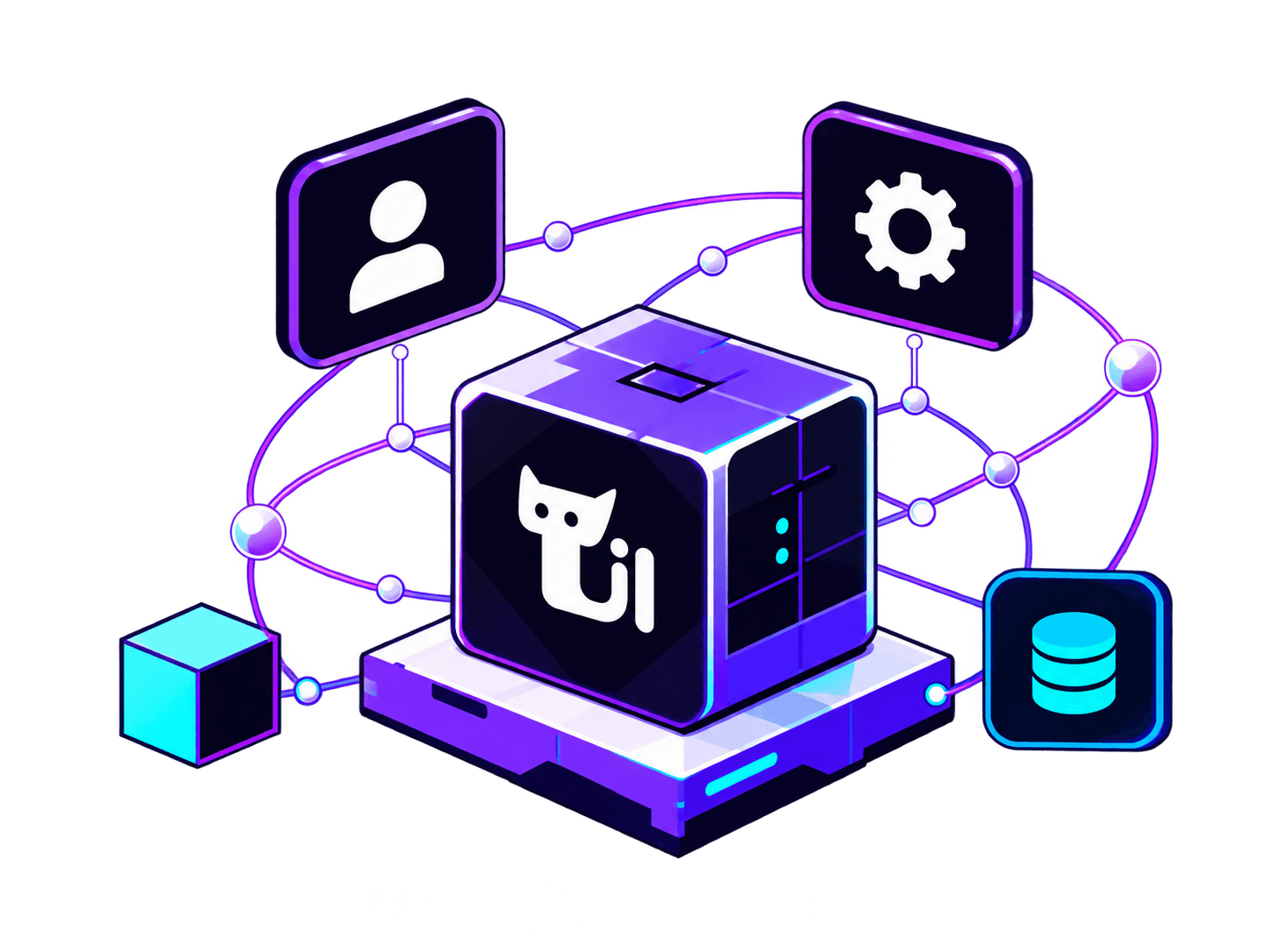
Local simulation of an isometric office. Buyer agents arrive at the Hub with an intent, ask business agents for a quote, go through the Policy core, which decides ALLOW, DENY or REQUIRE_APPROVAL, and, when allowed, the Vault prepares the x402 payment on Stellar Testnet. Receipts records every decision. No funds move and no network is contacted.
What TilcAI is
Your assistant understands what you need. The business maintains its services and terms. TilcAI is building the infrastructure to coordinate both sides under limited authority.
Interprets the request and uses tools to inquire about services, availability and quotes.
Coordinates terms, identity, permissions and operations. Keeps policy decisions, payment and delivery separate.
Offers capabilities connected to its system and confirms the service or booking with its own evidence.
How to read the office
The simulation above follows the same order as the product:intent, quote, policy, approval, payment and receipt.Each room's colour is reused in the stream and in the decisions.
The TilcAI building
Move through the building to explore every part of the office. The same agents and functions from the simulation connect as one infrastructure.
Scroll to discover each floorFloor 08
Break room
Agents take breaks too. A pause never leaves half-done operations: the hold stays until reconciled.
Businesses
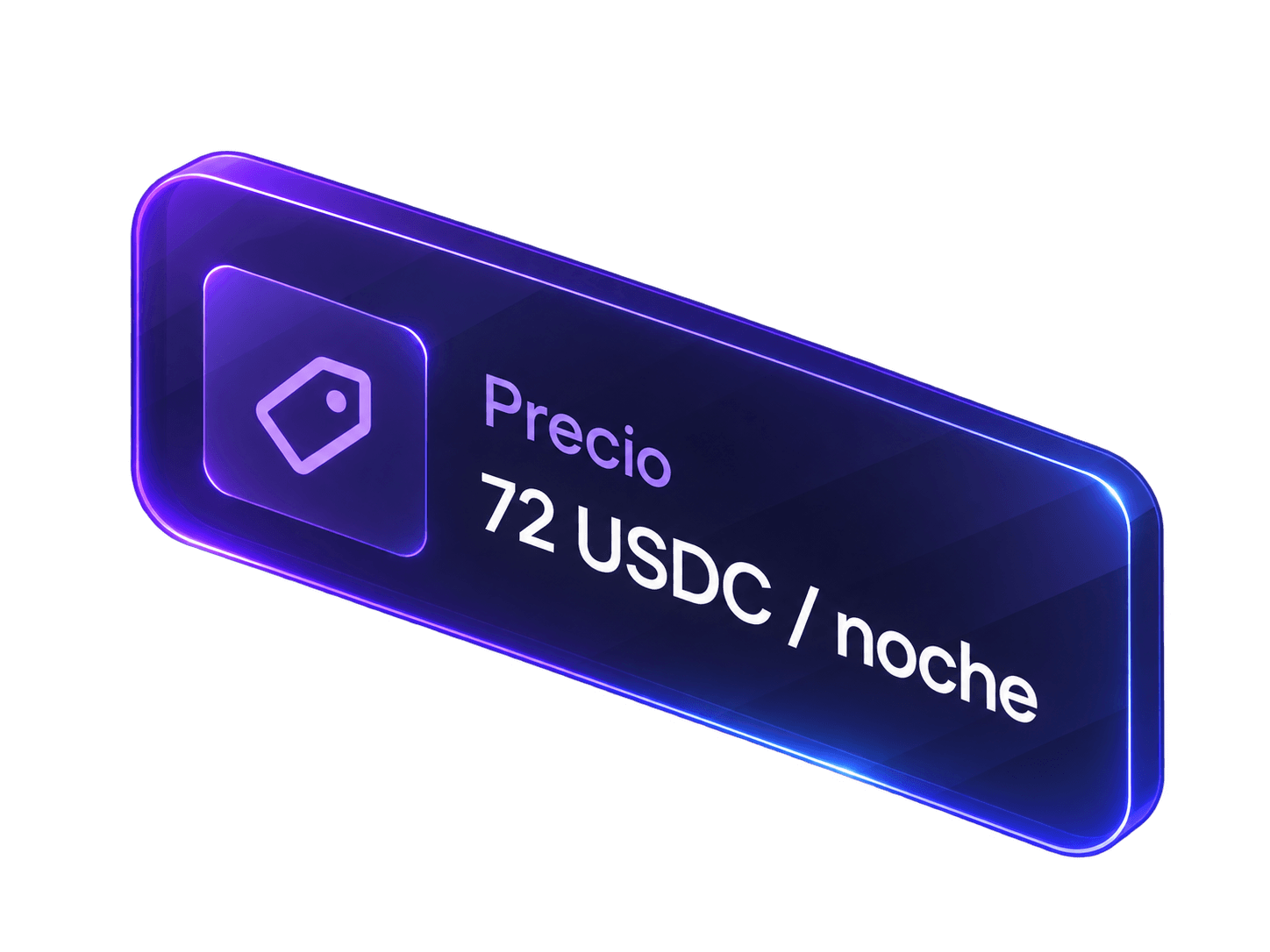
You do not need an AI agent or a website to start. You keep deciding price, availability, payout destination and delivery.
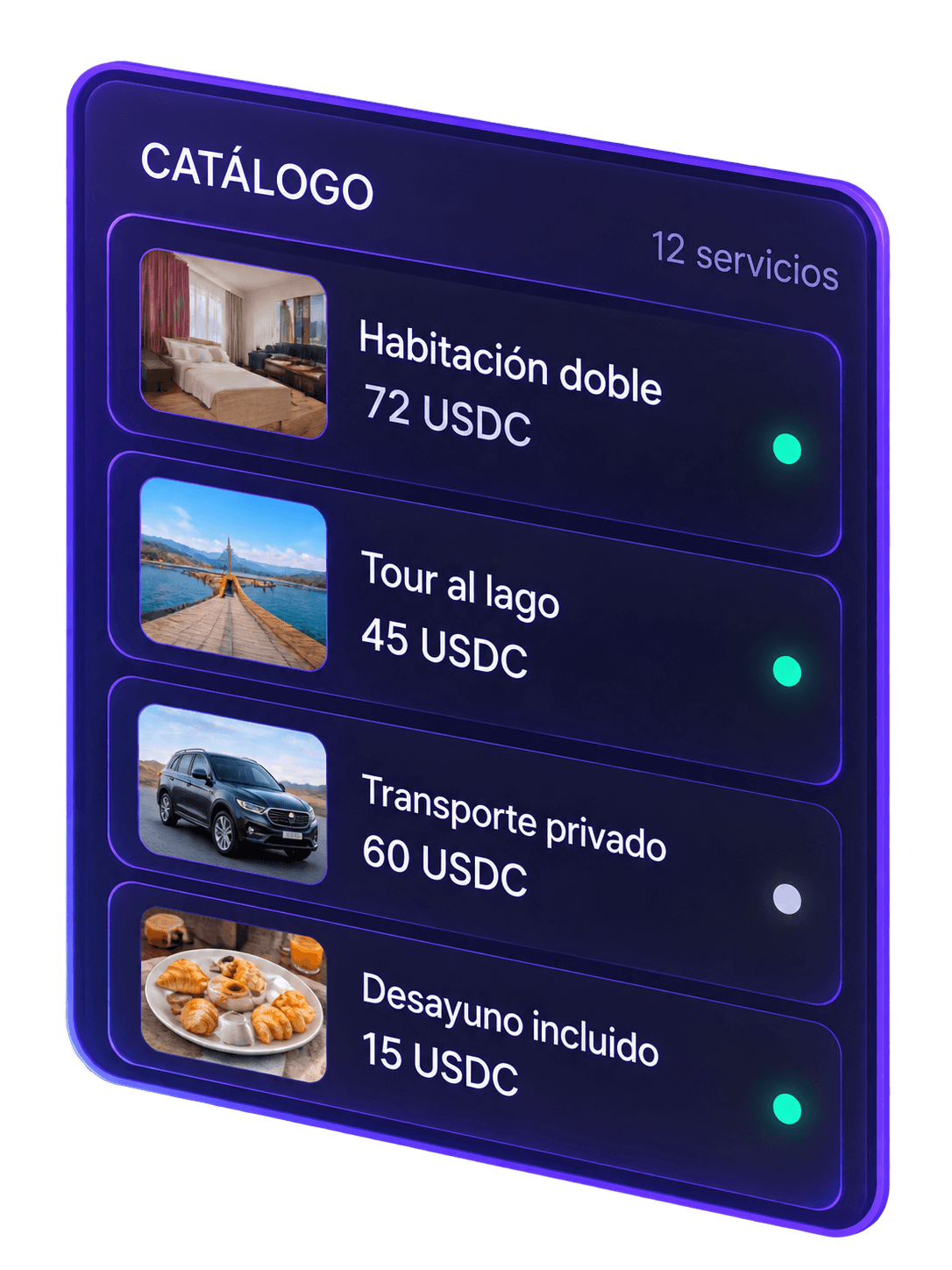
Connect your catalog, availability and terms so agents can ask about what you actually offer.
Four ways to connect
The same business can move from one path to another without losing its identity, its order history or its payout destination.

No software and no agent
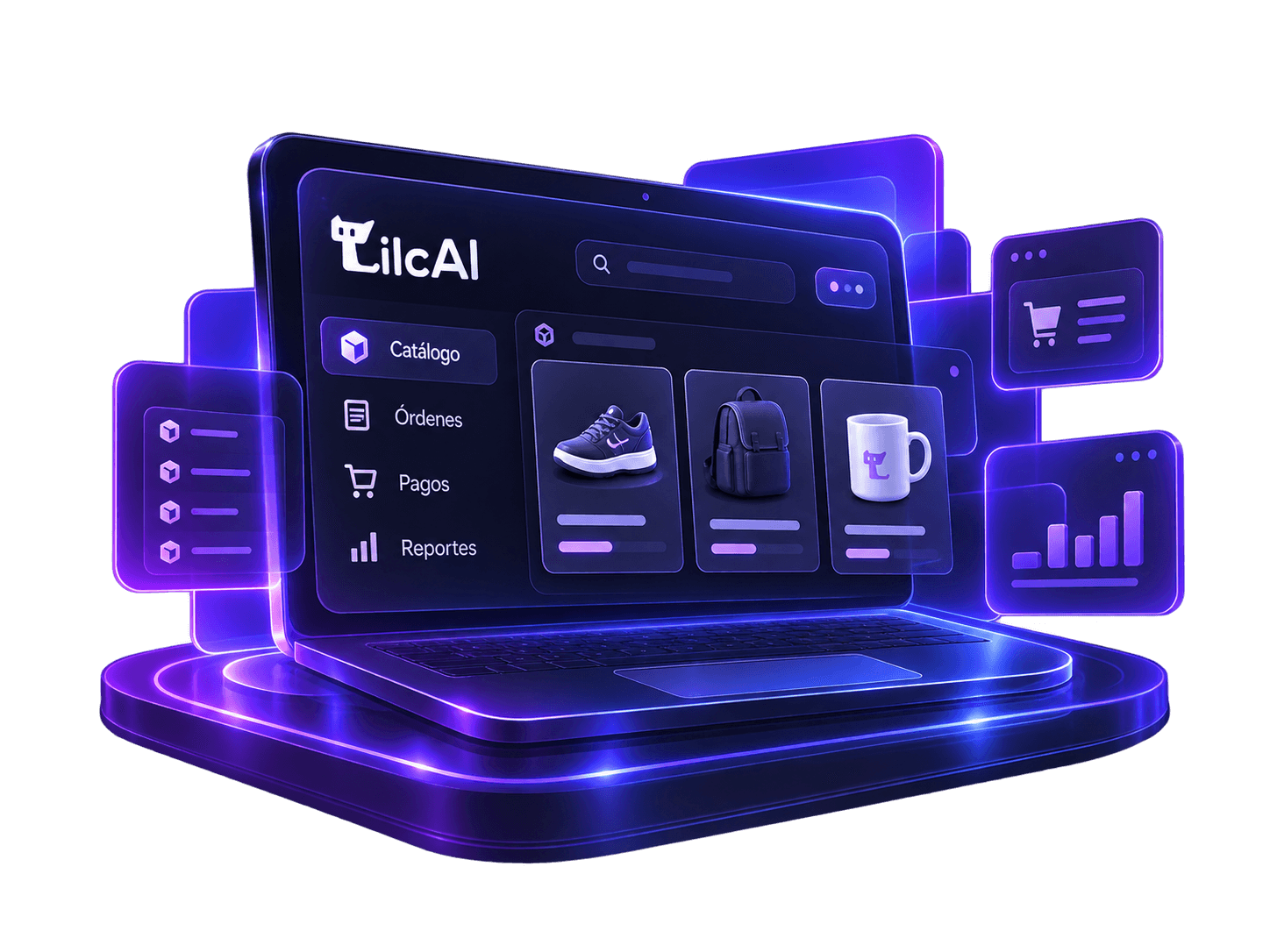
A private portal to publish a small catalog, confirm availability, receive requests, quote, and see orders and payments.
With a spreadsheet or a closed system
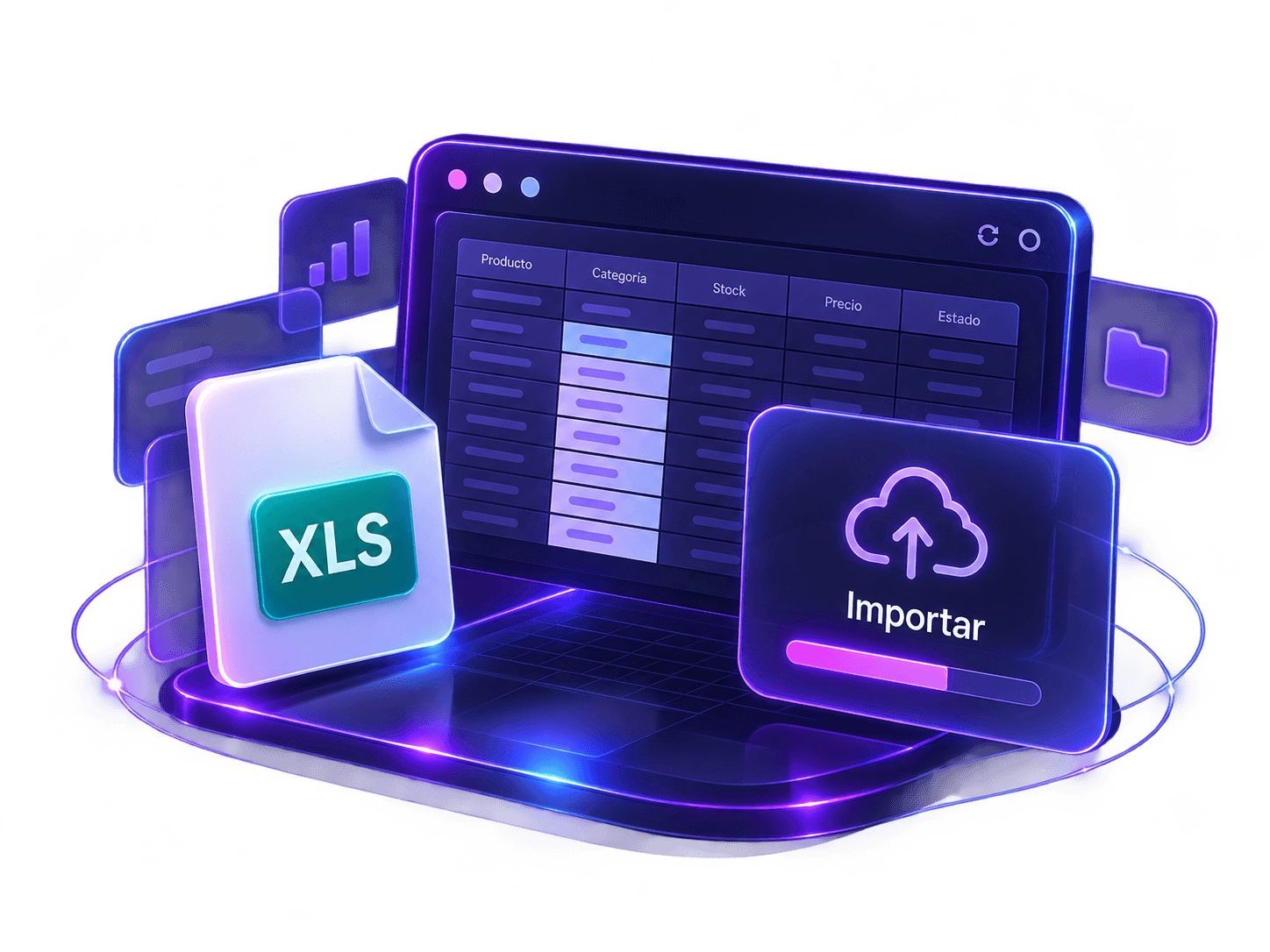
You import your catalog from a file; it is validated and published with a version. Stock depends on you updating or confirming it.
With a sales or inventory system
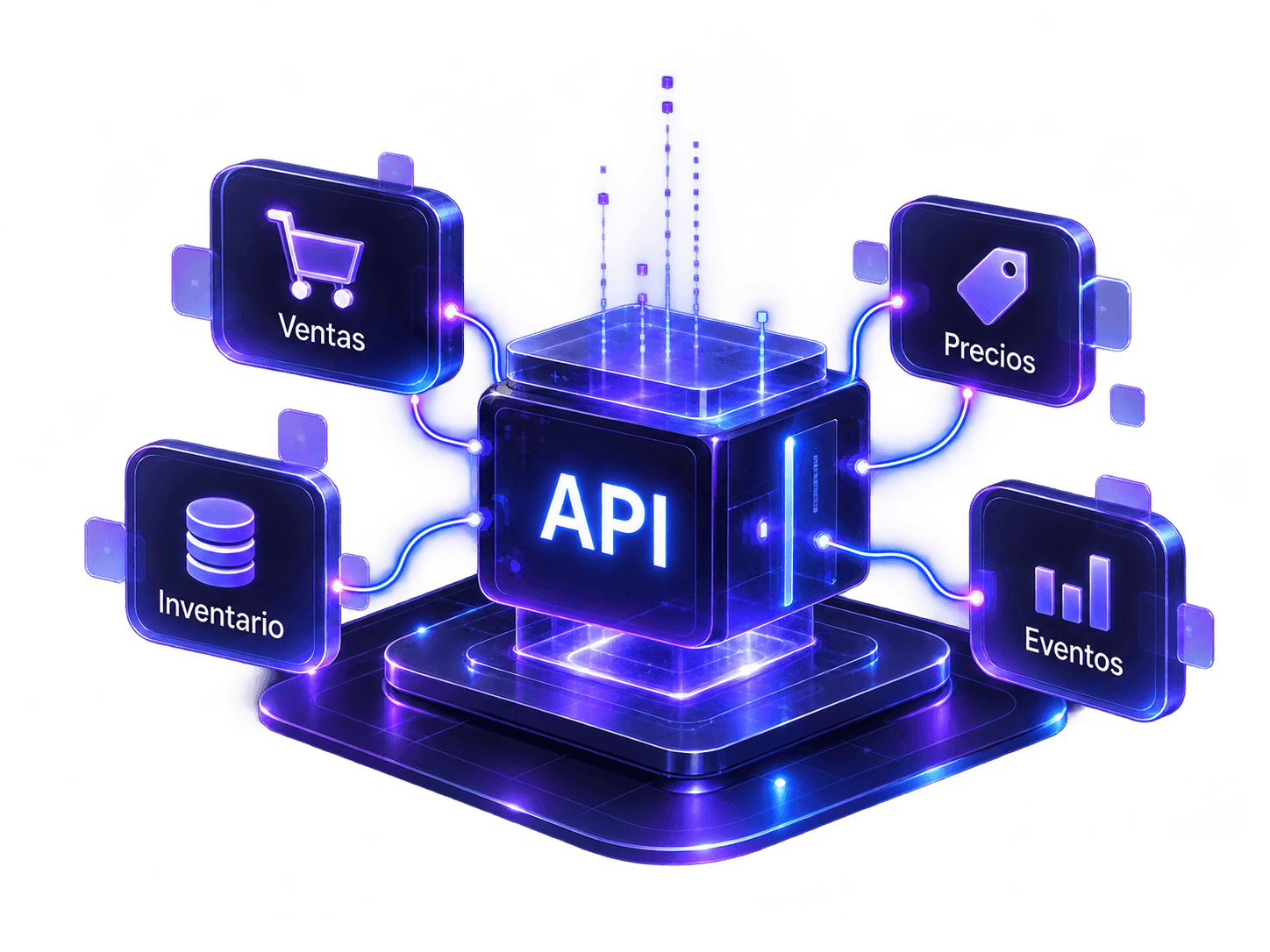
An adapter connects price and stock in real time, with events and tests. Holding stock depends on what your system allows.
With a technical team
Your server responds over an API and, later, over A2A. TilcAI keeps the checks, the order and the payment rail.
Solutions for businesses
Each business keeps its system, its customer and its charge. TilcAI joins from behind: the order, the approval, the payment and a receipt for each side.
 OptipagosBeing implemented
Payments for WhatsApp wallets
Optipagos charges in bolivianos with a QR and credits USDC to a WhatsApp wallet. Its payments run on Avalanche with TilcAI: the order, the disbursement and the receipt.
How the money moves
 AvalancheThe network the payments run on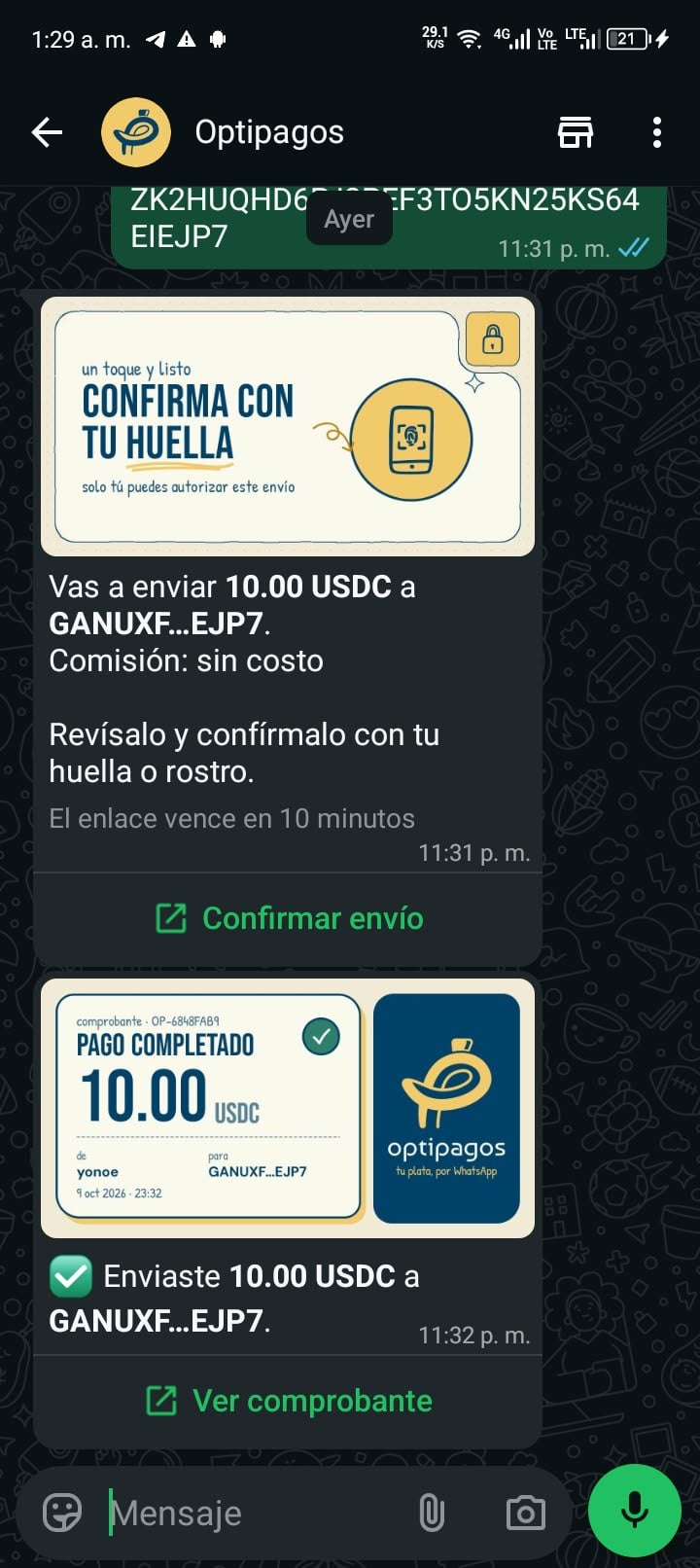
 Next implementation
Payments for Baral
An integrated creative strategy agency. Its payments join the next TilcAI implementations.
The same journey
ScopeTo be confirmed with the business
How it works
Follow an order from intent to its supporting evidence. Every step has an owner and a state, and payment is never confused with delivery.
You ask for “20 bags of cement, pick-up in store” and set a limit. Your agent clarifies what is missing before asking anyone.
Control starts with a specific instruction.
The hardware store answers from its own system: price, availability with its date, expiry and payout destination. If stock was entered by hand, it stays pending confirmation.
TilcAI does not invent the price: it reproduces what the business published.
TilcAI checks identity, offer, payee, asset, network and budget. The result is allow, block or ask for approval.
“Allow” is eligibility: it neither signs nor pays.
You review the exact terms on a secure screen and authorize. Connecting an account, or typing “yes” in a chat, is not a spending authorization.
Changing the amount or the payee requires approving again.
TilcAI creates an order with an idempotency key and runs a single attempt over the chosen route. Then it checks the asset, amount, payee and result on the network.
An uncertain result is reconciled; the payment is not blindly repeated.
Buyer and business see the same order state. The payment receipt arrives when it settles; the business records the pick-up confirmation separately.
Paid does not mean delivered.
PAYMENT ROUTES
TilcAI picks one route per order and never charges twice. They serve different situations: already holding USDC on Stellar, or holding it on another network.



Isolated test
Verified on testnet
ROUTE DETAIL
Pay on your network. TilcAI handles the rest.
Choose the network holding your USDC.
Avalanche Fuji → Stellar: technical payment verified on testnet.
CCTP moves your USDC to Stellar in 3 steps.

USDC is retired on the source network.

The burn is attested.

The same USDC is issued on Stellar.
Final destination for this route.

Business USDC
Destination tested on the Avalanche Fuji → Stellar technical route.
You only send USDC from your wallet.
Avalanche Fuji, Ethereum Sepolia, Arbitrum Sepolia, and Base Sepolia are verified in TilcAI. Other networks require their own route test.
Compare recipient, amount and approval conditions.
Interactive simulation · no funds moved
Choose a scenario
Test a condition
Two tickets for Wednesday.
User control
You decide what is authorized, how much it can spend and when it expires.
Connecting a wallet enables signing, but does not grant spending permission.
Within the limit
Terms to review
30 / 50 USDC
The conditions match. It can go to review; this does not authorize or pay.
The channel changes, the rules do not: all of them end in the same identity, quote, approval, payment and receipts.
Buyer entrances
A guided conversation. To buy, a secure link opens the screen where you create your credential and approve. WhatsApp starts the process; it is not a signature.
Reported by the team
You connect TilcAI's tools to your assistant: find a service, ask for a quote, request approval, check an order. Allowing a tool does not grant permission to spend.
Contract defined
An authenticated backend uses the REST API. A future SDK would package authentication, types and idempotency, but would not replace the API.
Available on testnet
The same infrastructure
Assistants
Each client will have its own guide, surface and TilcAI integration status. Configuration depends on the specific application you use.
Frequently asked questions
There is one verified technical payment: USDC from Avalanche Fuji to Stellar Testnet with CCTP, with an API, reconciliation and a mode where the buyer pays no gas, independently reproduced. There is also a policy evaluator, shared contracts and this website with its simulation. No real business is connected yet: catalog, quote, order, signed approval and delivery confirmation are still being integrated, so the complete purchase flow is not enabled.
You do not need an AI agent or a website. We propose four paths: a managed console, a file or spreadsheet, an API or POS connector, or your own agent. In all of them you keep prices, availability, payout destination and delivery confirmation. These are onboarding proposals: they are tried first with one limited pilot business, on testnet.
No. TilcAI moves native USDC between enabled networks with CCTP, and the business is paid in USDC on Stellar. Today Avalanche Fuji, Ethereum Sepolia, Arbitrum Sepolia and Base Sepolia, to Stellar Testnet, are verified; three other networks are in the lab and are enabled one at a time. Other tokens or bolivianos need a conversion and a separate provider that do not exist yet.
We start with approval of each purchase and its exact terms. Future delegation requires a mandate with scope, limits, expiry and revocation, plus verifiable controls in the account and signer. An instruction to the assistant does not create that permission. If relevant terms change, authority is reviewed before execution.
The simulation shows how decisions change when the recipient or amount changes. It does not connect a wallet, verify a real offer or submit transactions. A “Can continue” result means the illustrative policy allows further checks. It does not confirm human approval, settled payment or commercial delivery.
Payment and fulfillment keep separate states. Confirmed settlement does not mark the order as delivered: business evidence is checked and the issue is resolved under its commercial terms. Cancellation, support or refunds require their own flow and authority. Repeating the purchase is not an automatic solution to pending delivery.
Try the decisions in the simulation, see what works today, or learn how to prepare your business for a pilot.








 ···
···